QuickBooks Construction Add On

Maximise QuickBooks Potential for Tracking Projects

Construction projects need more than QuickBooks. Add LiveCosts and get end-to-end tracking and reporting on your construction projects.

Our Mision

We are a QuickBooks Partner

See why thousands of construction contractors around the world choose LiveCosts to track their project costs with QuickBooks.

Why Livecosts & QuickBooks?

LiveCosts integrates seamlessly with QuickBooks Online to provide construction businesses with a powerful solution for tracking project costs. While QuickBooks Online manages overall financials and invoicing, LiveCosts focuses on real-time cost tracking, budgeting, and project-specific reporting.

By using both together, teams can easily manage project finances, ensuring that costs are accurately recorded and aligned with QuickBooks.

This integration enhances collaboration, improves project profitability, and enables businesses to make informed decisions, all while maintaining streamlined financial operations within QuickBooks Online.

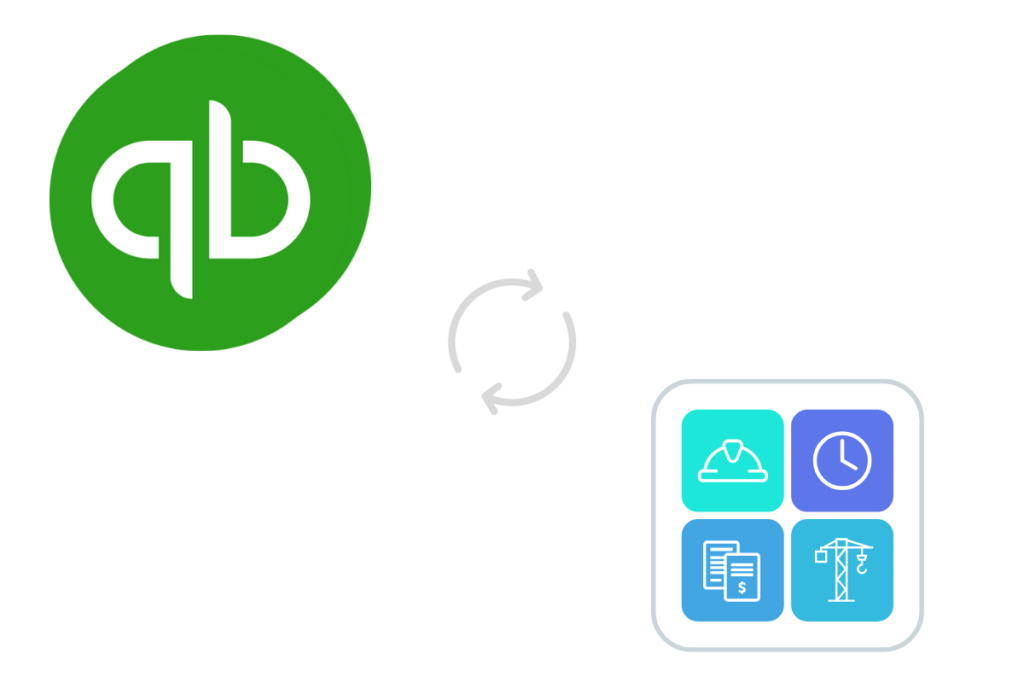
QuickBooks & Livecosts Logos

Are you struggling with?

1
Limited Job Costing

QuickBooks is not designed to manage complex construction projects & workflows. A plugin is a great way to add the parts you need.

2
Limited Reporting

 LiveCosts enhances QuickBooks with real-time project reporting, enabling efficient, instant reporting and collaboration

3
Disconnected Workflows

Key project data often has to be manually kept in spreadsheets, increasing the risk of errors and inefficiencies.

Construction Procurement

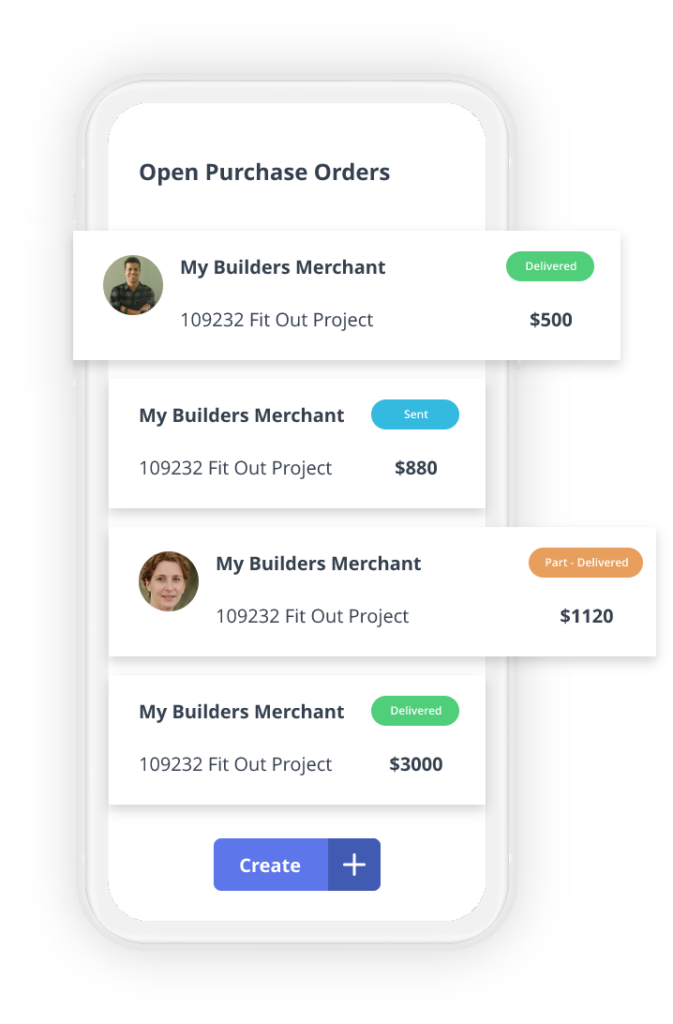
LiveCosts adds the construction context that QuickBooks lacks, managing purchase orders, site deliveries, and coding every cost against the project budget.

Dedicated permission sets mean the whole team can contribute, not just the office.

Benefits of procurement from LiveCosts:

Manage Project Costs from Site

Most cost tracking breaks down at the job site, not in the office.

LiveCosts’ iOS and Android apps let you log labour time and record deliveries from the job site, with receipts flowing to the office for real-time approval.

Benefits of Mobile Cost Tracking:

Automate Invoice Processing

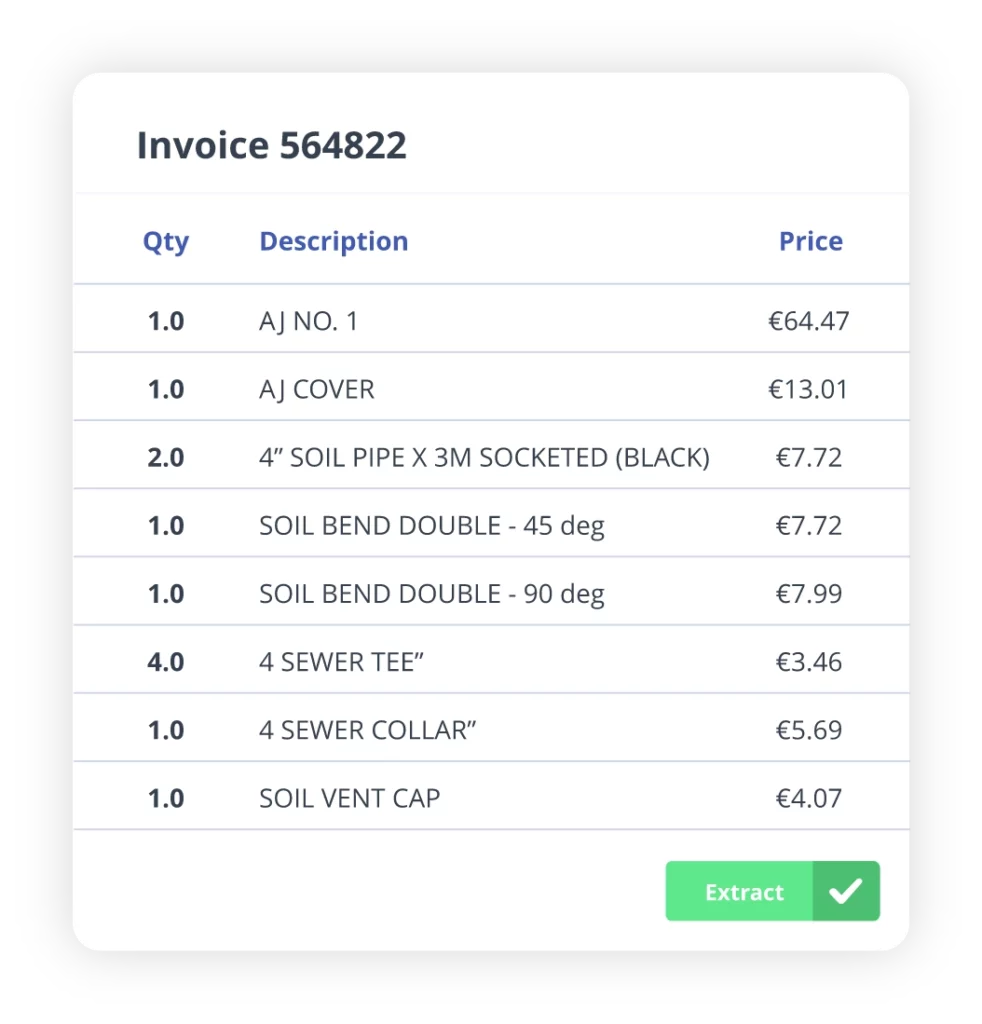
LiveCosts scans your invoices and receipts, pulls the data, and matches it against the purchase order and delivery before payment. Approved bills post to QuickBooks on their own, coded and matched.

Benefits of Invoice Extraction:

Generate Instant Reports

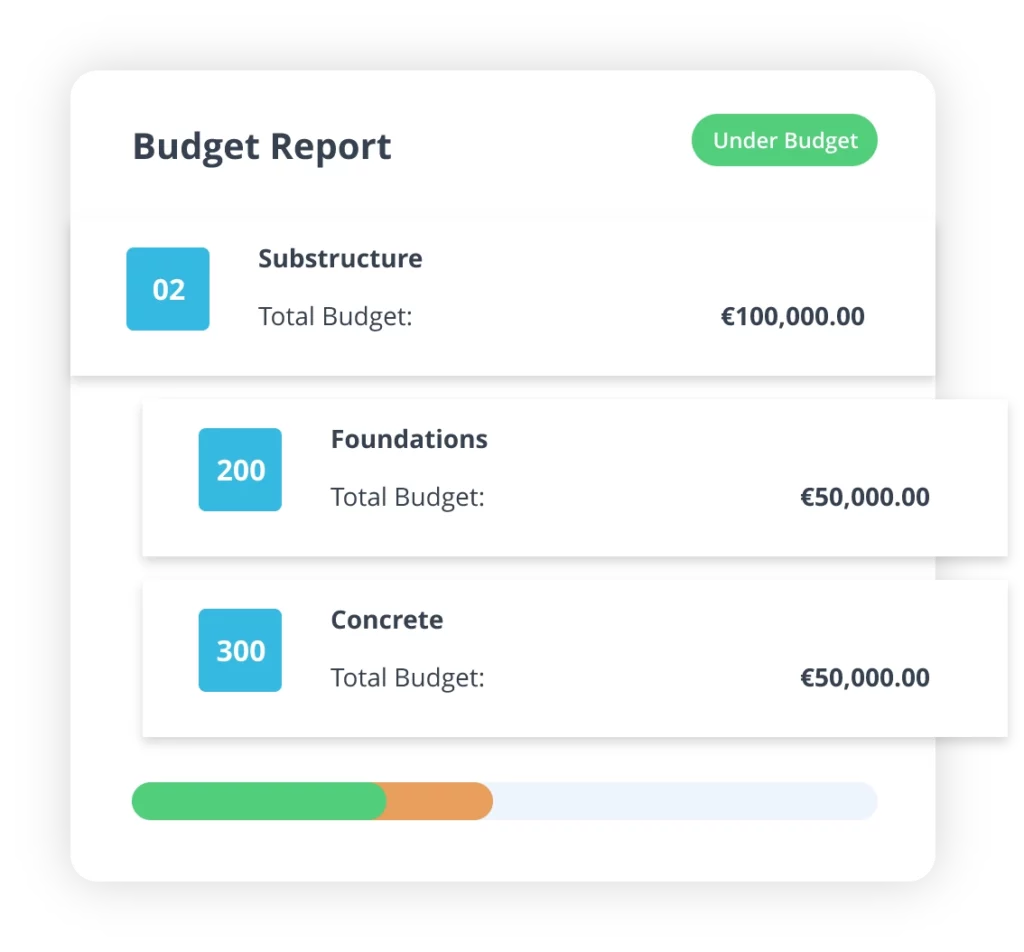
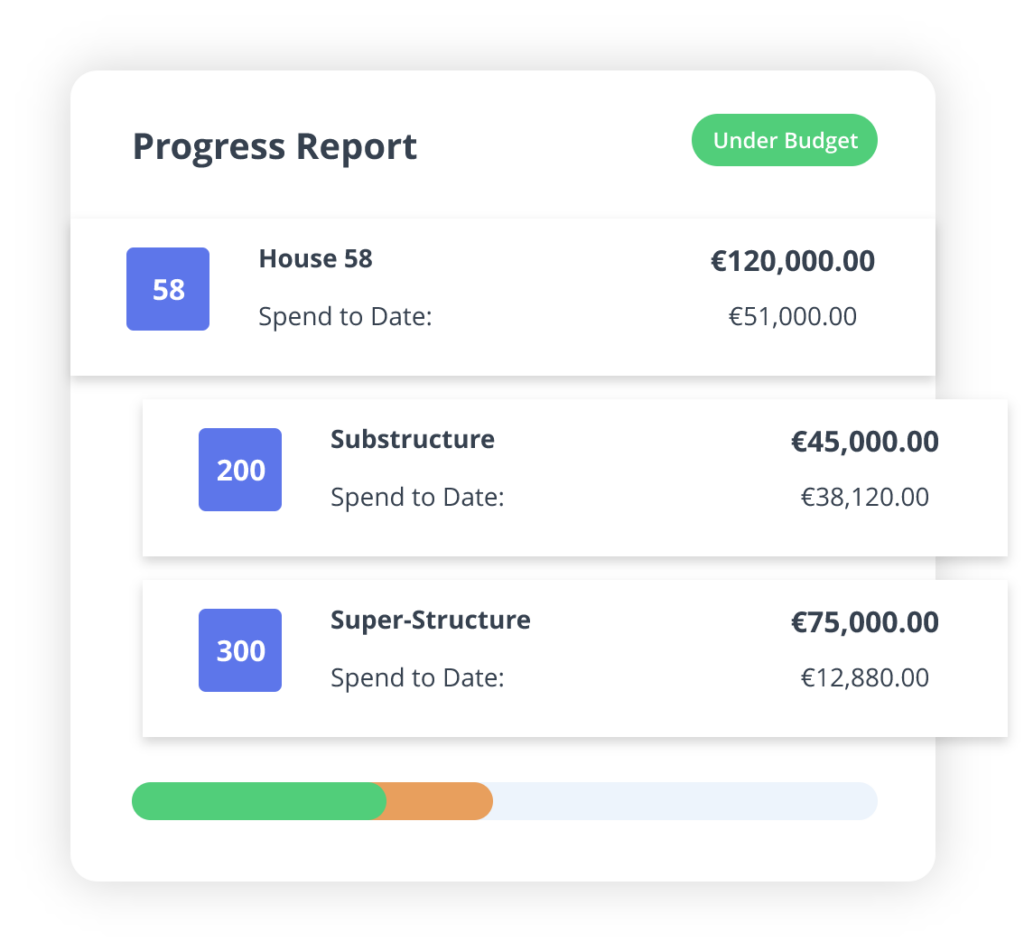
See cost vs income, what’s outstanding, and what’s billed, updated in real time, not at month’s end. Monitor profit margins and cost-to-complete on one job or across all of them.

Benefits of Project Reports:

Ready to get started?

Discover how easy it can be to track and control costs in real time.

Quickbooks FAQs

How does this work with QuickBooks?

Essentially LiveCosts takes over Procurement and invoice processing for the purpose of ensuring all coats that arrive into the business are assigned to a project budget. Bills are then posted from LiveCosts to QuickBooks.

What about tracking categories?

On set up we import your QuickBooks Tracking Categories ( Classes, Locations & Projects ) meaning they can be used when posting from LiveCosts to QuickBooks. QuickBooks tracking categories can also be aligned to LiveCosts projects

Can i import my QuickBooks Data?

Yes, on set up all tax rates, accounts, tracking categories, suppliers can be imported in bulk

What about Income?

Sales invoices can be imported from QuickBooks and applied directly to projects in Livecosts. We will monitor invoices for payment updates which automatically update Livecosts with the latest payment information.