Buildern vs LiveCosts

LiveCosts connects project budgets, purchase orders, deliveries, supplier invoices and labour with real-time reporting. Give your SME contractors and finance teams a clear view of spending and project profitability while keeping your accounting softwares.

Buildern brings estimating, project management and financial workflows into one construction platform.
Live Budget tracking with committed cost visibility and forecasting.
AI powered OCR document extraction for supplier quotes, purchase orders and invoices.
Construction POs, mobile delivery capture and time tracking.
Connected project financial workflows with Xero, QuickBooks Online and Sage
LiveCosts vs Buildern

Side-by-side comparison

Aspect LiveCosts Buildern
Best for

Construction SMEs and Main contractors

Sole traders and smaller trade businesses

Main focus

Construction job costing and financial control

Construction estimating with basic financial tools

Job budgets

Budgets connected to actual costs, commitments and remaining allowances

Budgets connected to estimates and actual costs

Committed costs

Purchase orders show allocated spend before invoices arrive

POs and subcontracts support cost visibility before invoicing

Commercial reporting

Live CVR, WIP, budget versus actual and profitability reporting

Budget dashboards, financial reporting and forecasting tools

Procurement

Requisitions, RFQs, supplier quote comparison, POs and deliveries

Bid requests, purchase orders and subcontract workflows

AI document processing

Extraction for supplier quotes, purchase orders and invoices

Basic bill capturing with line item extraction

Delivery verification

Mobile delivery records linked to POs and invoice checks

Confirm delivery verification requirements during a demonstration

Invoice matching

(Three-Way Matching) PO and Invoices checked against logged deliveries

Invoice matching against POs

Labour and equipment

Digital timesheet for employees, subcontractor dayworks and equipment time linked to projects

Timesheet tools within the construction platform

Accounting connections

Xero, QuickBooks and Sage

Xero and QuickBooks

UK tax workflows

Supports CIS deductions and VAT workflows

Not specified

Product scope

Best for cost tracking on top of accounting software.

Best for preconstruction and project delivery

Trusted by construction companies globally

Why teams pick LiveCosts

Dedicated Commercial Cost Control

LiveCosts gives you centralized workflow on project budgets and the costs that develop during delivery. Purchasing, site and finance teams contribute to the same financial record, helping commercial managers and quantity surveyors review the current position without rebuilding it from separate files.

Real-time reporting with Connected Project Data

Bring budgets, actual costs, commitments, project value and forecasts together to support Cost Value Reconciliation. Teams can spend more time reviewing margin movement and less time collecting the figures behind each report.

Delivery checks before invoice approval

A purchase order confirms what you agreed to buy. The delivery record confirms what reached the site. LiveCosts connects both with supplier invoices, helping teams investigate quantity and price differences before approval.

Suitable Option for Main Contractors Using Sage

LiveCosts also offers a Sage integration alongside with Xero and QuickBooks. Contractors can add construction cost control and invoice workflows while retaining their accounting system.

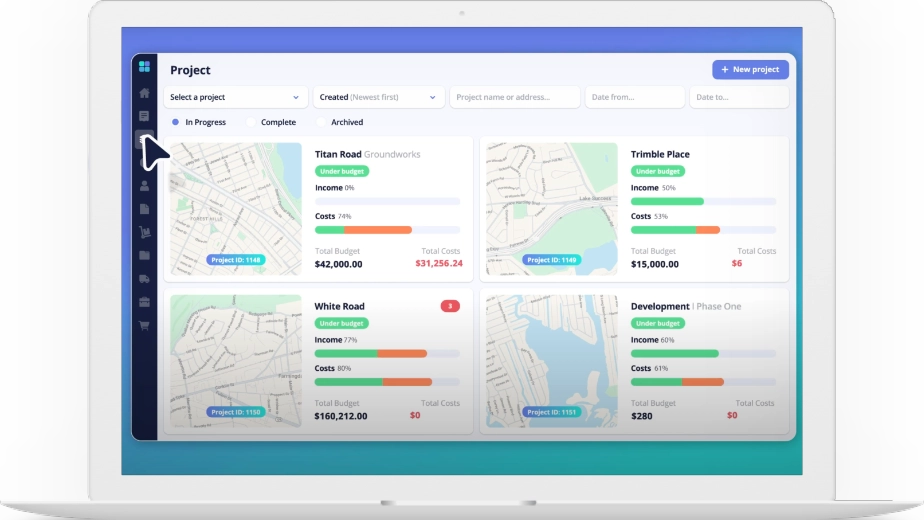
macbook@2x

LiveCosts vs. Buildern: See How the Features Stack Up

Explore how LiveCosts and Buildern compare across key features, from cost tracking and purchase orders to accounting integrations.

Job Costing and Budget

These details matter when the overall project position hides pressure in a particular package
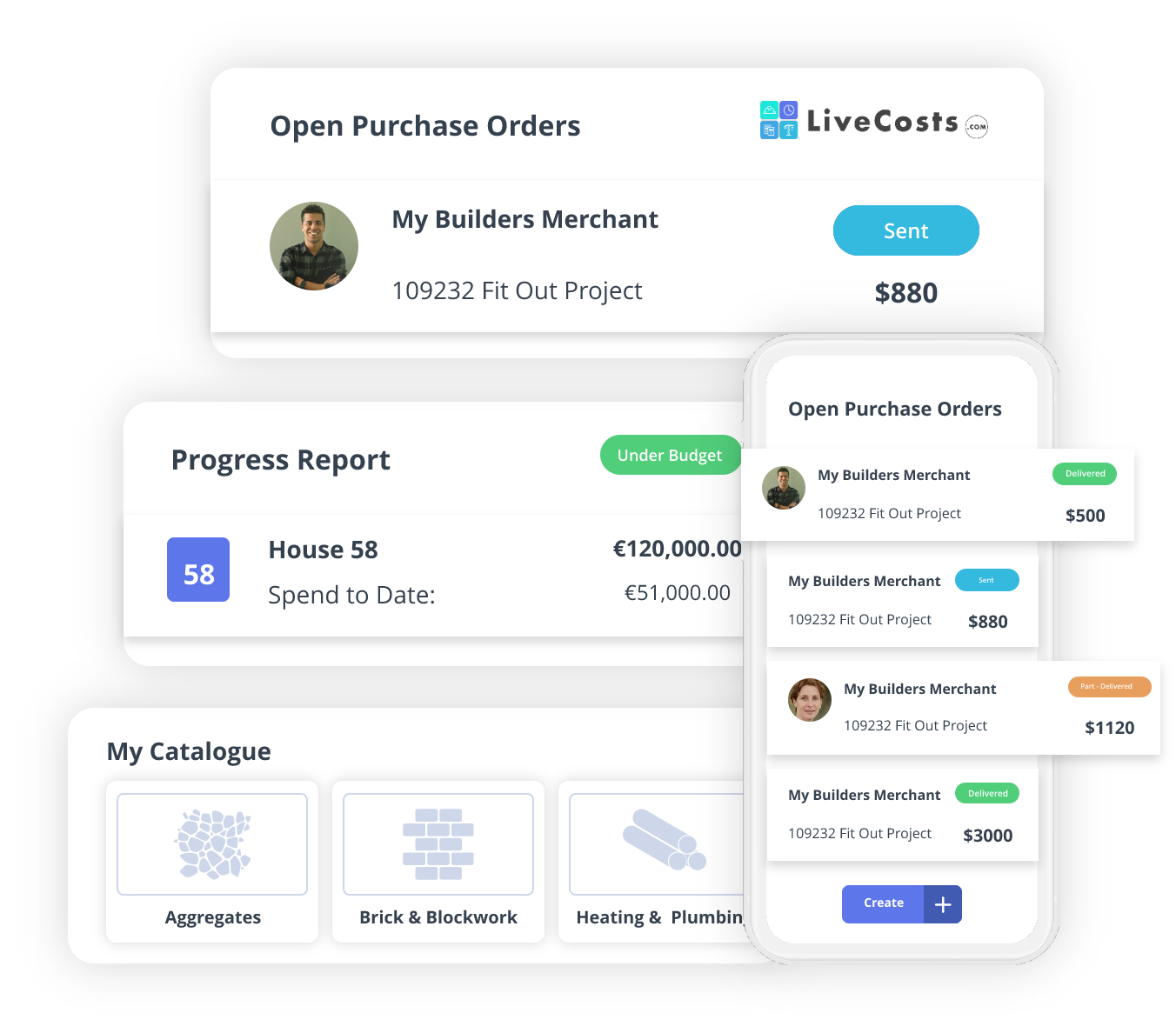
LiveCosts Organise budgets around the phases and cost codes your team uses. Track materials, labour, subcontractors and equipment against those allowances, then review how spending affects the job as work progresses. Buildern Buildern connects estimating and budgets with actual costs within its construction management platform.

Purchase Orders and Committed Costs

Create purchase orders, track committed costs, and control project spending.
LiveCosts Link purchase orders to project budgets so agreed spending appears before the supplier invoice arrives. Review open orders and outstanding commitments alongside actual costs to understand how much of the allowance remains available. Buildern Buildern also uses purchase orders and subcontracts to track expected job costs before invoices arrive.

Project Dashboard and Live Profitability Reporting

Commercial teams can use the current records to review expected final cost and margin.

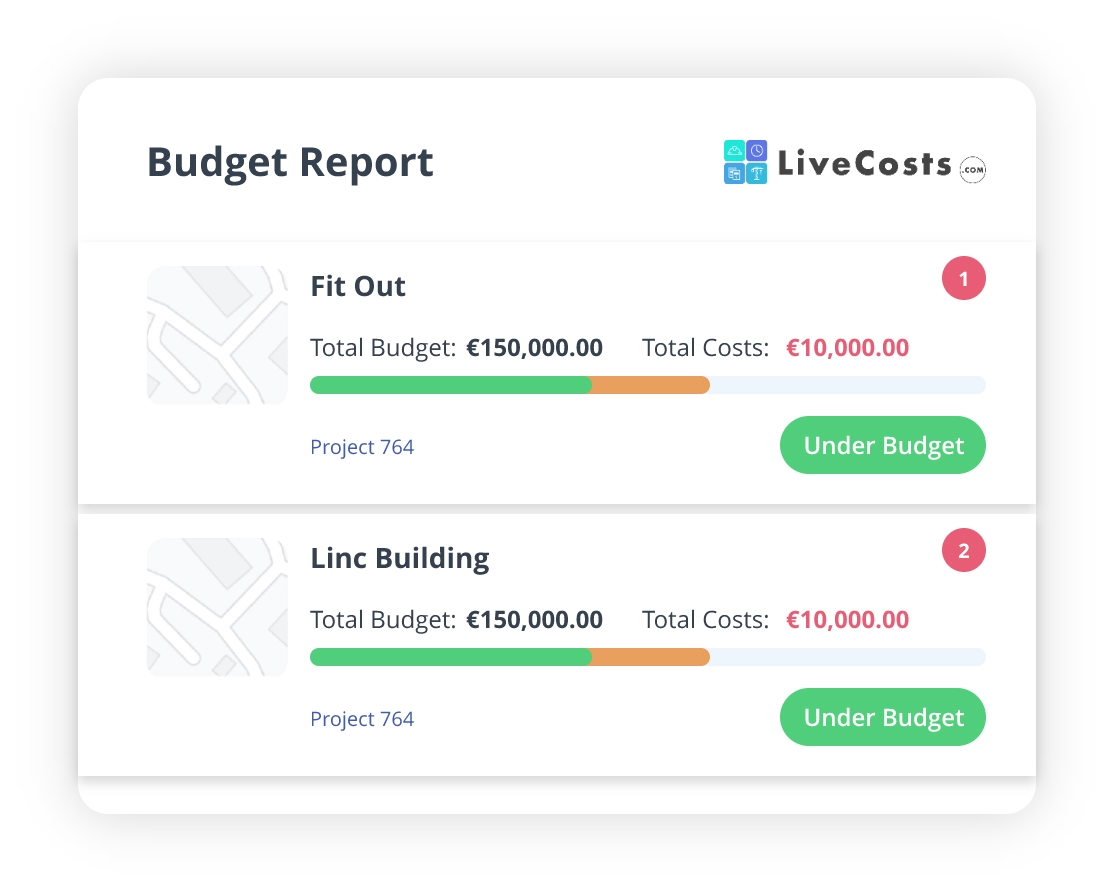
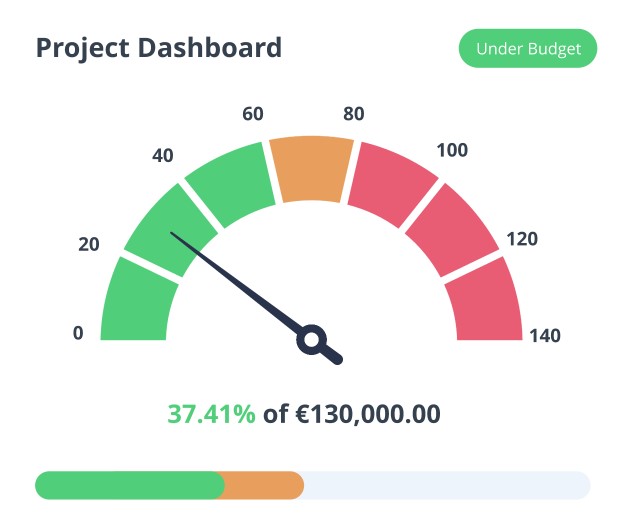
LiveCosts Support live reporting with connected cost and project value information. As orders and invoices enter the system, commitments and actual costs update against the relevant budget lines. Buildern Buildern provides financial dashboards and forecasting tools for reviewing project performance.

Accounting integrations

Sync financial data with accounting software for accurate reporting.

LiveCosts Connect project financial control with Xero and QuickBooks.For Sage users, LiveCosts supports Sage Accounting and Sage 50 UK syncing. Approved invoices can move into accounting after the team has checked purchasing records, project allocation and approvals. Buildern Buildern documents accounting integrations with QuickBooks and Xero, including two way synchronisation.
Ready to get started?

Discover how easy it can be to track and control costs in real time.

Implementation timelines

LiveCosts and Tradify use different onboarding models.
Product Time Span Setup Steps
LiveCosts Typically a few days, depending on data and workflow complexity. Connect accounting; import projects and budgets; configure cost codes and approvals; train users and launch the first project.
Buildern Agree a schedule based on the modules and data included Scope the rollout; import project data and cost catalogues; configure financial and project workflows; train users.

LiveCosts onboarding can begin with one active project. Review its opening costs, outstanding commitments and remaining budget before expanding across the business.

For either system, agree a cutover date and reconcile opening figures. This helps prevent old orders or invoices from appearing twice when a project moves into the new workflow.

Where LiveCosts fits — and common drawbacks

Choose LiveCosts when your main requirement is connected construction financial control:

  • Real-time Job Costing and financial management
  • Replace project cost spreadsheets with a shared budget record.
  • Review live reporting, WIP and expected profitability.
  • Connect purchasing, delivery evidence and invoice approvals.
  • Capture labour and equipment costs against projects.
  • Retain Xero, QuickBooks Online or Sage for accounting.

Choose Buildern when your buying priority is a combined platform for estimating, takeoff, scheduling, client communication and construction financial management.

LiveCosts is particularly relevant when your existing project coordination tools already meet your needs and the unresolved problem is financial visibility. Its focused scope lets the purchasing, commercial and finance workflow define the rollout.

Why Choose LiveCosts

Complete Control Over Project Budget

LiveCosts tracks actual spending across detailed phases and cost codes, providing more financial depth than a single job total.

See Costs before they reach accounts

Purchase orders and subcontractor commitments appear immediately, helping teams understand financial exposure before supplier invoices are received.

Bring structure to procurement

Manage internal requests, supplier RFQs, quotation comparisons, approvals, purchase orders and deliveries through one consistent process.

Approve spending with confidence

Managers can review the available project budget and existing commitments before authorising another purchase.

Verify what suppliers charge

Match supplier invoices with purchase orders and delivery records to identify differences in products, quantities and prices.

Reduce invoice administration

AI-powered extraction captures invoice information at line-item level and helps code each charge to the correct part of the project.

Forecast the final result

Combine actual costs, approved commitments and remaining work to calculate the likely final cost and profit.

Manage construction claims properly

Track progress claims, variations and retentions while keeping revenue connected with current project expenditure.

Connect site, office and accounts

Site users can request materials and record deliveries while office teams control budgets, approvals and invoices using the same live information.

Related Comparisons

Compare LiveCosts and Planyard on real-time job costing, cost control, purchase orders and budgeting. See which suits growing SMEs and main contractors.
LiveCosts is construction cost tracking software that brings budgets, purchase orders, invoices, labour and financial reporting into one system. It helps contractors track actual and committed costs in real time, without relying on manual spreadsheet updates.

Frequently asked questions

LiveCosts focuses on construction job costing, procurement and financial control. Buildern combines financial tools with estimating, scheduling and project coordination. The choice depends on whether you need dedicated commercial cost control or a combined construction management platform.
LiveCosts deserves consideration when cost tracking, delivery checks, invoice approvals and connected project cost reporting drive the buying decision. Its Sage integration also gives contractors using Sage an option alongside Xero and QuickBooks Online.
Yes. Buildern uses purchase orders and subcontracts to track expected costs before invoices arrive. Both products support visibility of agreed spending, so compare how each handles your full purchasing and reporting workflow.
LiveCosts extracts invoice data, matches invoices to purchase orders and can check logged deliveries. Teams can review discrepancies before approving costs and syncs approved invoices with accounting.
Yes. LiveCosts supports Construction Industry Scheme deductions and VAT workflows, keeping subcontractor costs and tax details connected to projects and accounts.
Your accounting software remains responsible for the ledger and statutory reporting. LiveCosts manages construction project budgets, procurement, invoice workflows and cost reporting, with connections to Xero, QuickBooks Online and Sage.
Implementation typically takes a few days, depending on project data, accounting setup and approval requirements. The onboarding process covers importing budgets, configuring workflows and training users.
Trusted by Contractors Worldwide to Control Project Costs and Protect Profitability.
Ready to get started?

Discover how easy it can be to track and control costs in real time.